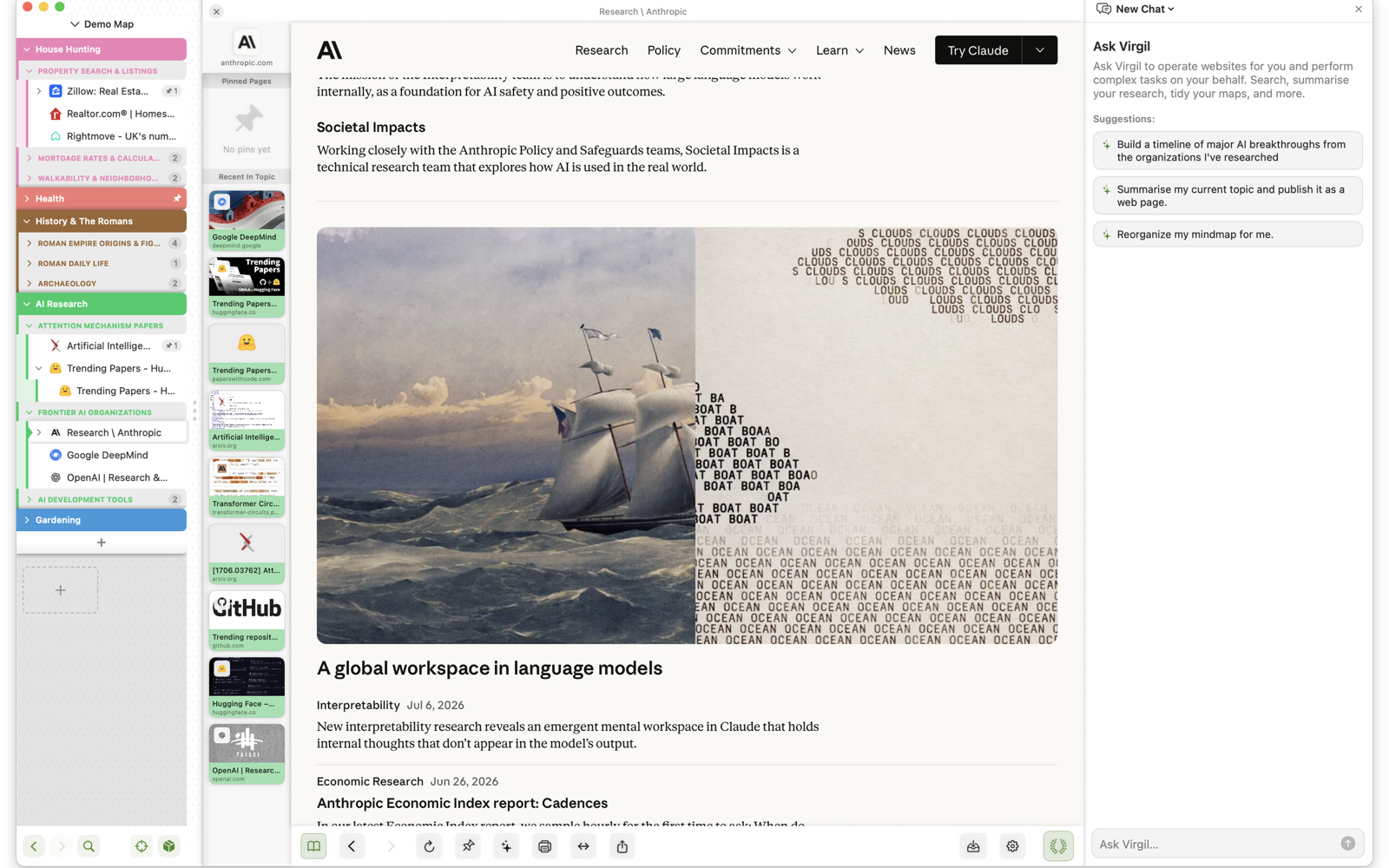
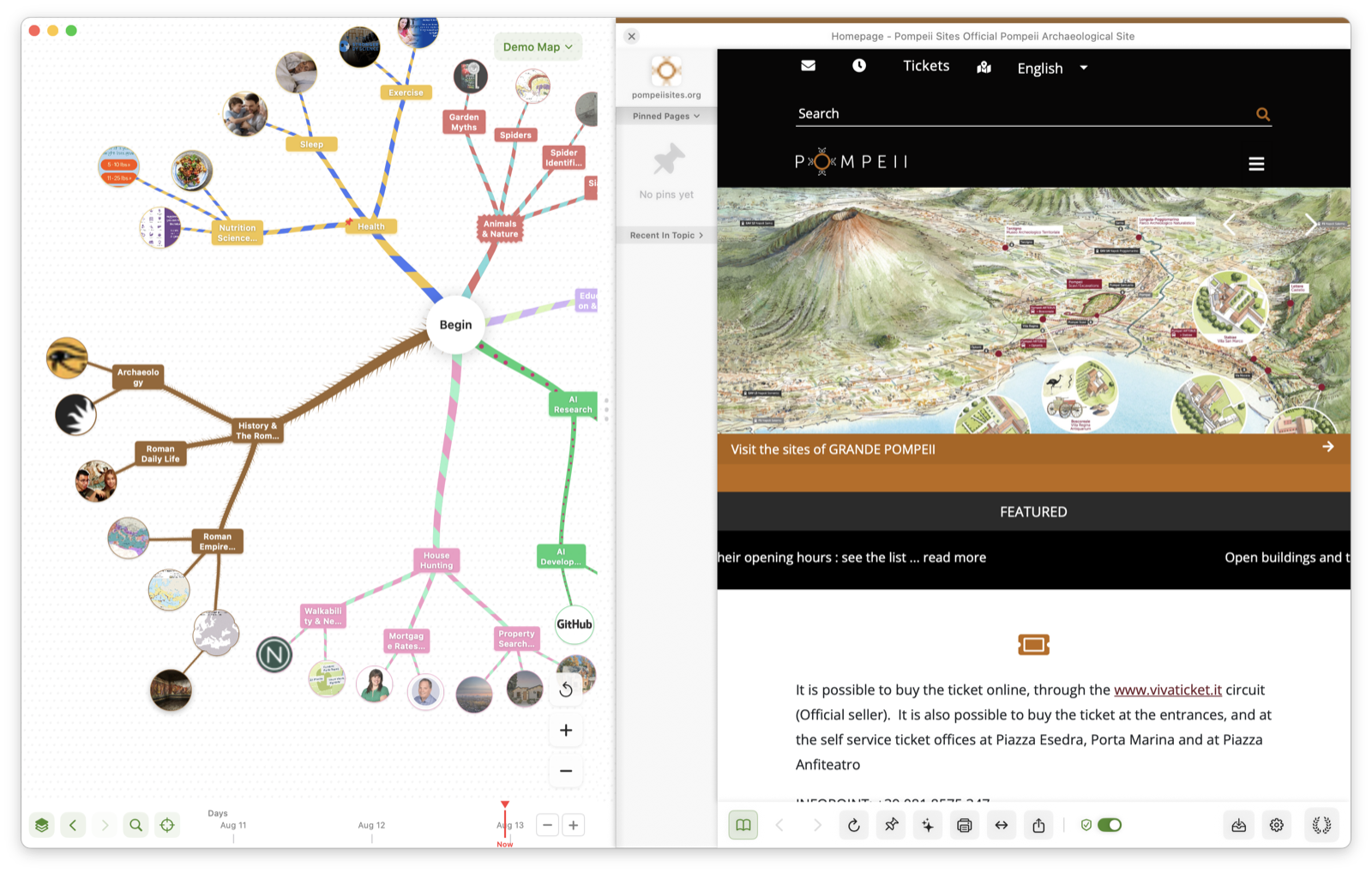
TABS DISAPPEAR. TOPICS STAY.
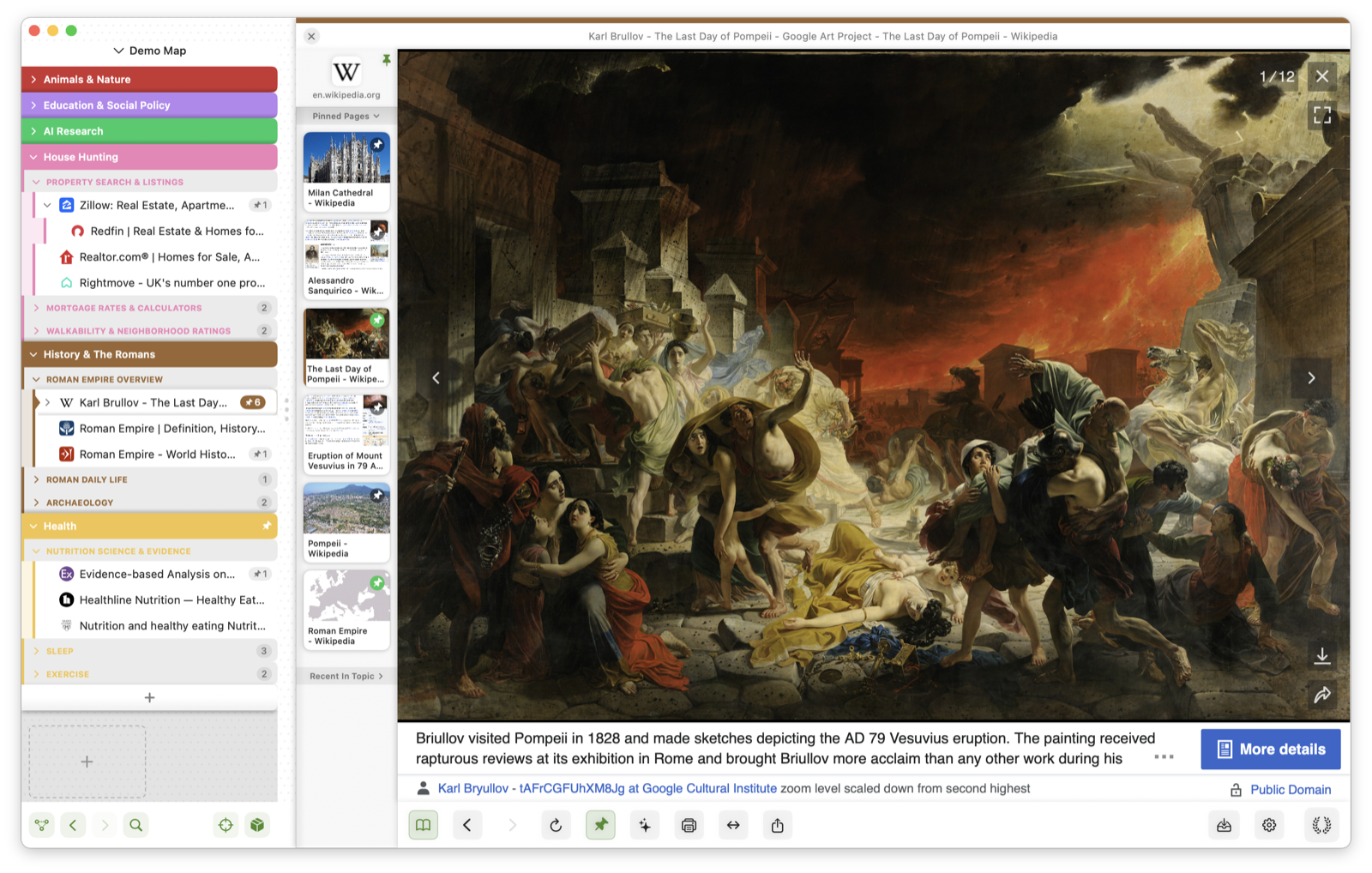
Virgil groups your browsing into colour-coded topics with the sites and pages inside them. Older topics gracefully shrink and fade; your current work stays front and centre.
Reorder your world by dragging topics around the map or flip to the ‘stack view’ when you want a tidy list. The same structure, two ways of seeing it.
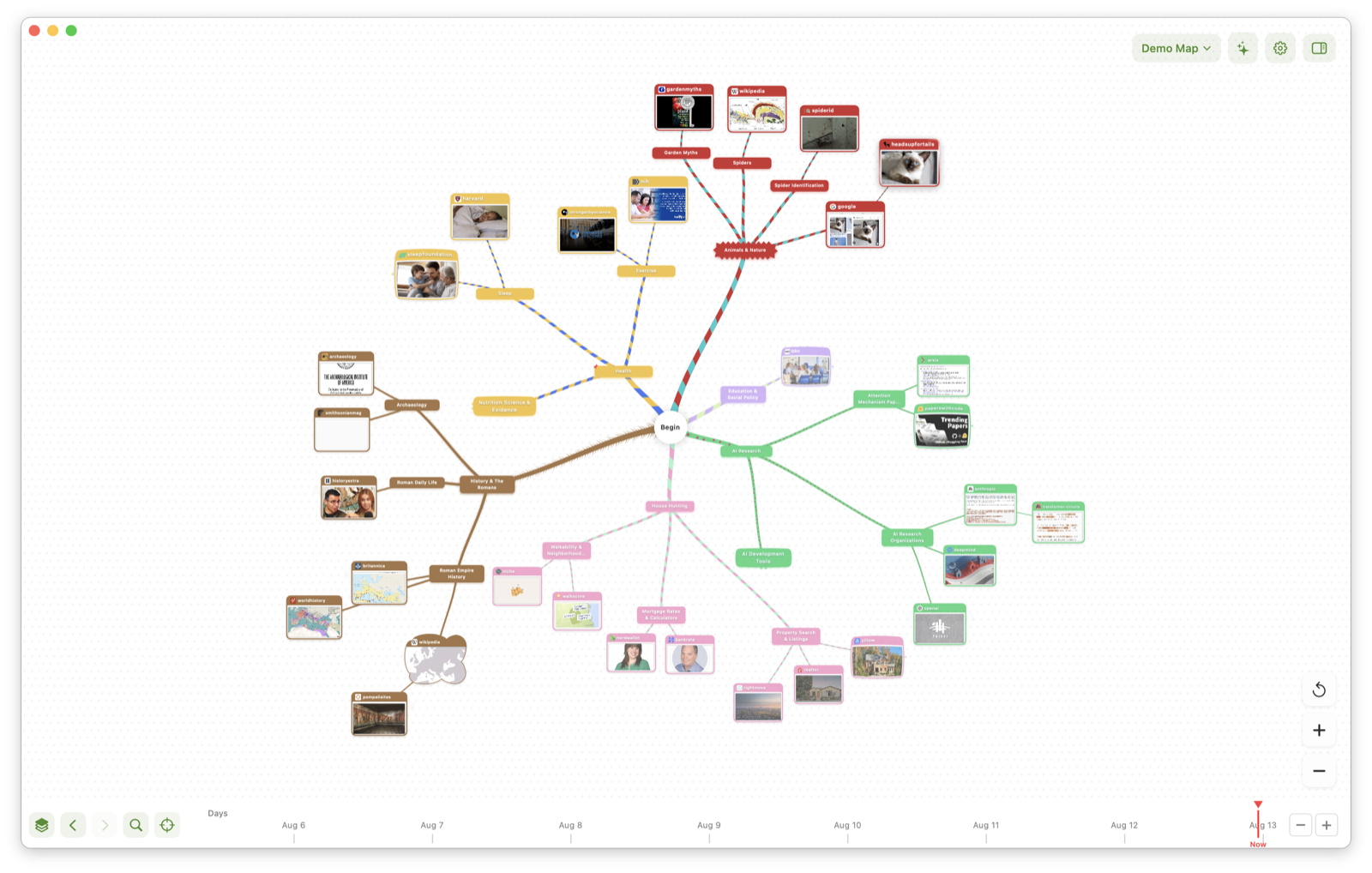
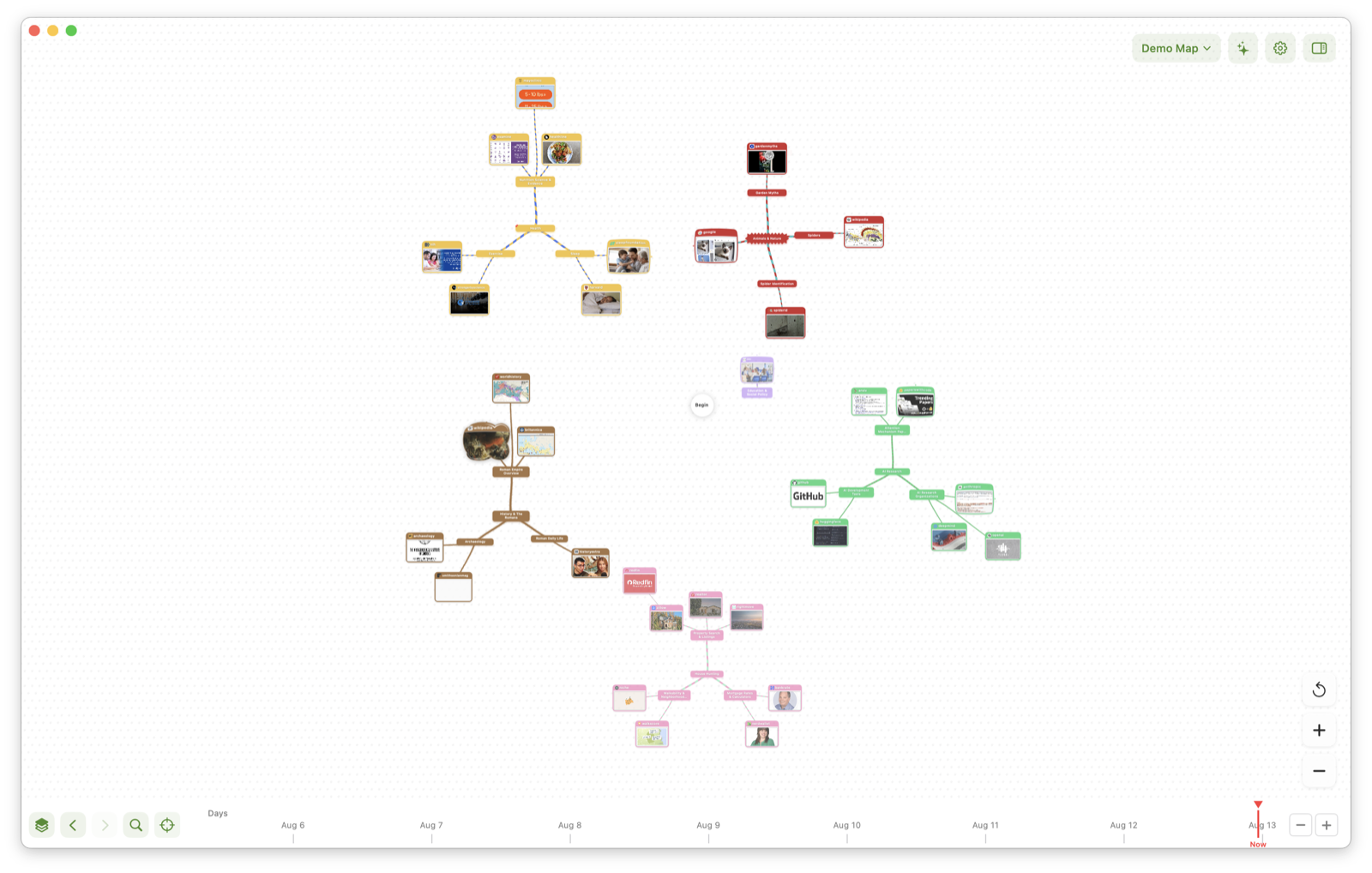
FROM TIDY WHEELS TO GORGEOUS GALAXIES
Choose from different map layouts to suit your taste; take the same map from a dense working wheel to solar systems of research drifting around your starting point.
Style your topic branches for easier recognition; every map gets a personality that matures with use.
EASILY FIND ANYTHING YOU'VE EVER READ
Full-text and semantic search across everything you've visited — even pages you closed weeks ago. Ask for the idea, not the exact words.
Pin the pages that matter and they stay put, live and instantly reachable. Sort them, categorise them, autoload your go-to pages on startup. The mindmap timeline lets you revisit any prior state of your browsing so you can quickly return to past topics and restore them back to the present to pick up where you left off.
PRIVATE BY DESIGN
Everything lives on your Mac. No account, no analytics, no tracking. Separate maps segregate work and personal browsing sessions.
No more dealing with cookie rejection popups and distracting banner ads — all the crap is gone.
BRING YOUR OWN AI
Connect your own AI service (Anthropic and OpenAI support) and Virgil can summarise pages, name and tidy your topics, suggest next steps, and chat about what you're reading.
Your Virgil agent can understand your browsing in context, understand topics, drive your research or just find the new toothbrush you want and bung it in your shopping cart.